
Working from home is a modern luxury, but it also comes with its fair share of challenges. Staying productive, comfortable, and focused takes more than just opening your laptop on the couch. If you want to create a work-from-home setup that truly supports your goals, it’s essential to design a space that works for you. Whether you’re a freelancer, entrepreneur, or remote employee, these tips will help you build a space that boosts focus and efficiency.
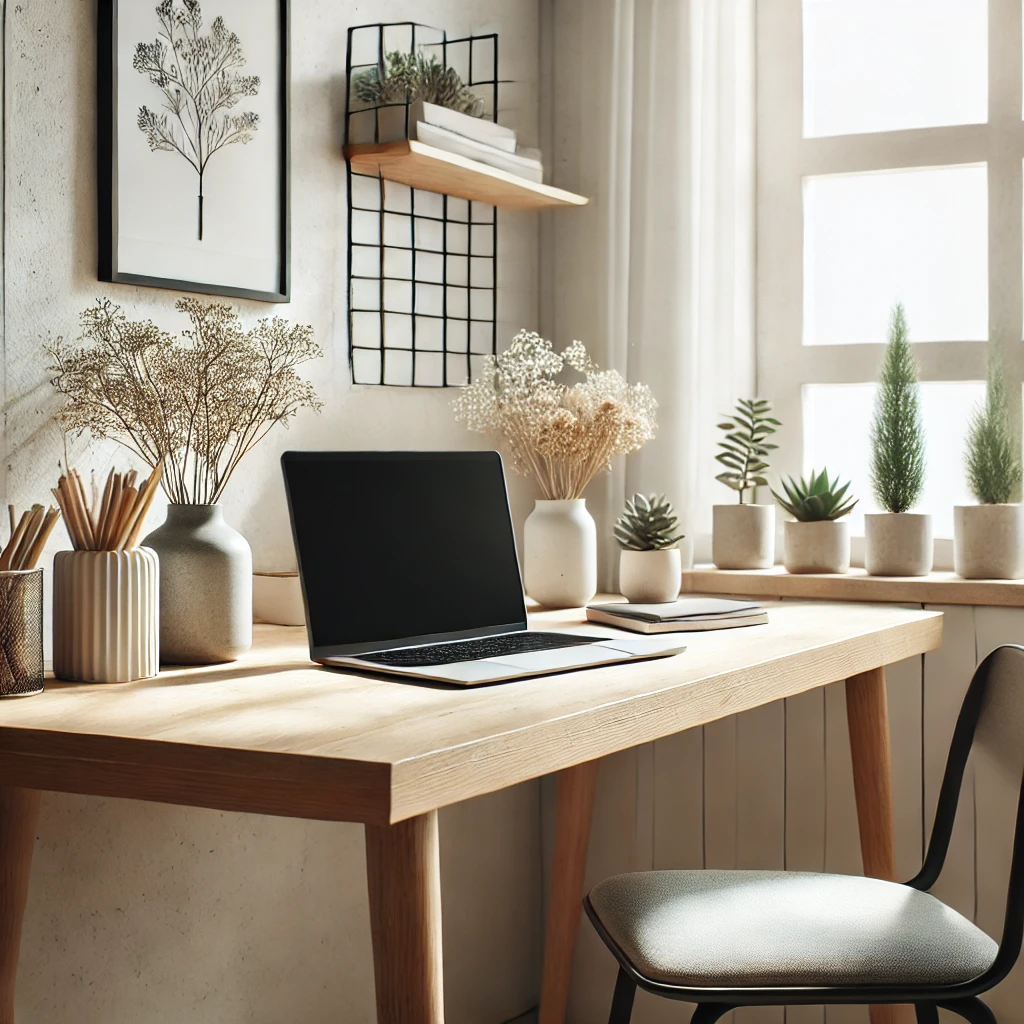
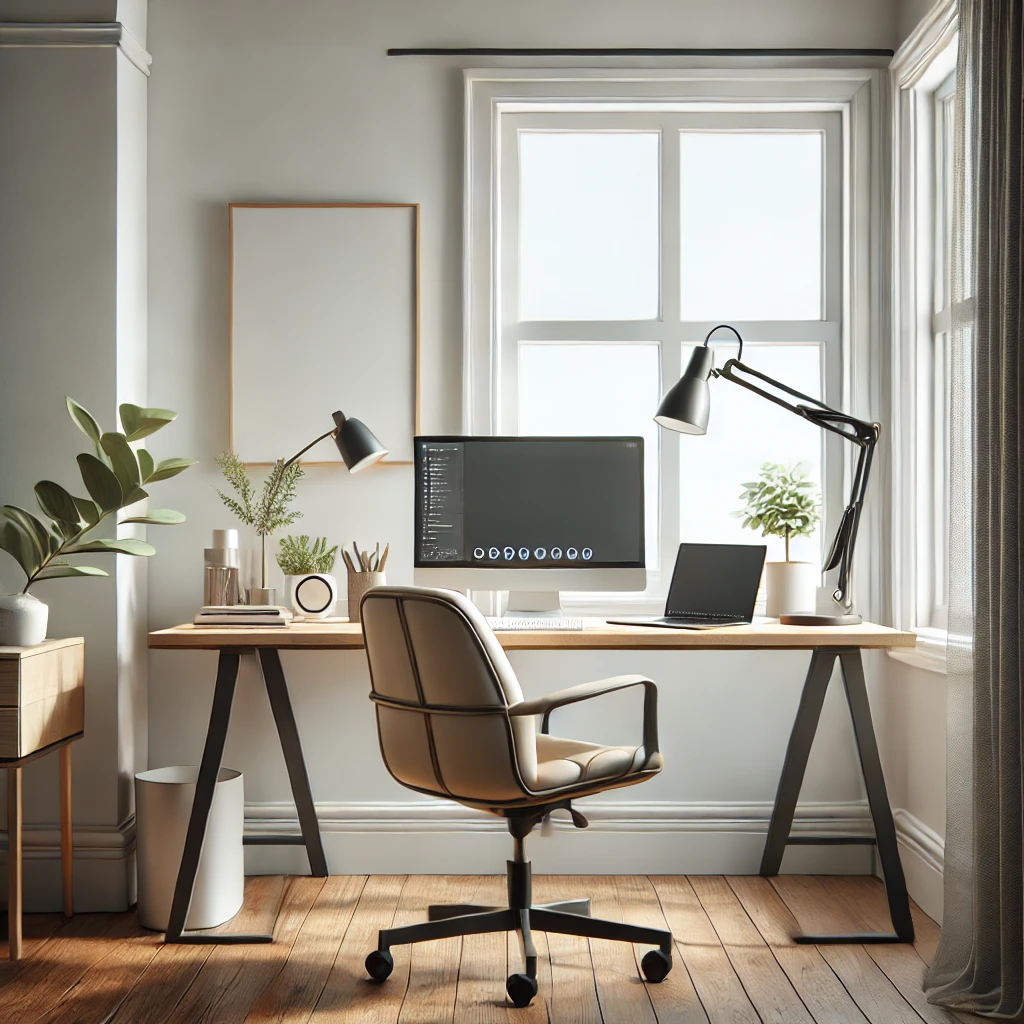
Creating a dedicated workspace is one of the best ways to mentally separate home life from work life. Find a quiet corner in your home, ideally with minimal distractions and natural light. Invest in a sturdy desk and a supportive, ergonomic chair that encourages good posture. Even if you don’t have an extra room, a small, clearly defined area can work wonders for productivity and motivation.
Pro Tip: If you’re short on space, consider compact desks or foldable tables that can be easily packed away after work hours.
Comfort is a necessity if you’re spending hours at your desk. An adjustable chair with good lumbar support, a desk at the right height, and a monitor set at eye level are essential for avoiding neck and back pain. Little additions, like wrist rests or an external keyboard and mouse, can reduce strain on your wrists and shoulders. If you want to stay more active during work hours, consider a standing desk or a balance ball chair.
Real Talk: After switching to an ergonomic chair and monitor stand, I noticed a massive drop in neck and shoulder pain—worth every penny!
Lighting plays a surprising role in how productive you are. Natural light is the best option, so set up near a window if you can. If that’s not possible, invest in a daylight-balanced desk lamp that mimics natural light. Avoid harsh fluorescent lights or dim overhead bulbs that can cause eye strain and headaches. A well-lit workspace helps you stay energized and reduces fatigue.
A great setup is nothing without the right tech to support it. A high-speed, reliable internet connection is essential. Noise-canceling headphones help block out distractions, especially if you share your space with family or roommates. A second monitor can significantly improve multitasking and efficiency. Pair it with a wireless keyboard and mouse for a flexible workstation. If you’re on calls often, a quality webcam and external mic will ensure you sound and look professional.
Personalize your space to make it inviting. Add plants for a touch of nature, which can also improve air quality and reduce stress. Inspiring artwork, quotes, or a vision board can serve as daily motivation. Even a splash of color, a cozy lamp, or a favorite coffee mug can make your workspace feel like a place you want to be.
Distractions are a major enemy of productivity. Consider noise-canceling headphones or soft background music to create an audio barrier between you and any disturbances. White noise machines or apps can help if you’re sensitive to sudden noises. Setting clear boundaries with family members or roommates can minimize interruptions. Additionally, using focus apps to block distracting websites during work hours can be a game-changer.
An organized space equals an organized mind. Use simple desk organizers for essentials—trays for papers, holders for pens, and cable organizers. Digital tools like Notion, Trello, or Asana can help manage projects and daily tasks. Keep a physical notebook or whiteboard for quick notes and reminders. Take time at the end of each day to reset your desk and prepare for tomorrow.
Breaks are crucial for staying sharp. Short, regular breaks can boost focus and creativity. Try using the Pomodoro Technique—work for 25 minutes, then take a 5-minute break. During breaks, get up, stretch, or walk around to refresh your body and mind. If you struggle to remember to pause, set timers or use apps that remind you when it’s time to step away from the screen.
Many remote workers swear by standing desks to avoid sitting all day, while others rely on dual monitors for better multitasking. Some people keep their desks minimalist with only essentials, while others add personal touches like photos, plants, or artwork to keep them motivated. Noise-canceling headphones are a common favorite, especially for those in busy homes. Learning from others’ real-life setups can inspire you to refine your own workspace.
Your workspace should work for you—and it doesn’t take a big budget to make meaningful improvements. Focus on comfort, organization, and personalization, and gradually add tools that enhance your workflow. Small changes, like adding an ergonomic chair or improving lighting, can have a huge impact on your productivity and well-being.
If you’re ready to take your work-from-home game to the next level, start making small adjustments today and see the difference they make. Optimize your remote workspace today for better productivity!
Q1: How can I create an affordable work-from-home setup?
A: Choose compact desks, ergonomic chairs on sale, and DIY storage solutions. Focus on essentials like good lighting and a sturdy chair.
Q2: What are the must-have tools for working from home?
A: Reliable internet, ergonomic chair, external monitor, noise-canceling headphones, and task management apps like Trello or Notion.
Q3: How do I stay focused when working from home?
A: Set up a dedicated workspace, use noise-canceling headphones, block distractions with focus apps, and take regular breaks for energy.
Q4: What’s the best way to organize a home office?
A: Use desk organizers, digital planners, and minimal décor. Keep only essentials on your desk and review daily to avoid clutter.
What’s your favorite work-from-home hack or setup tip? Share it in the comments and let’s build a community of inspired remote workers!
Part of the NCR Guide editorial team, covering news, real estate, food and lifestyle across Delhi NCR.
Join thousands of Delhi NCR residents who start their day with our morning brief — top stories, real estate updates, events and deals.